Choose photos for a professional headshot
For a crop or a new background
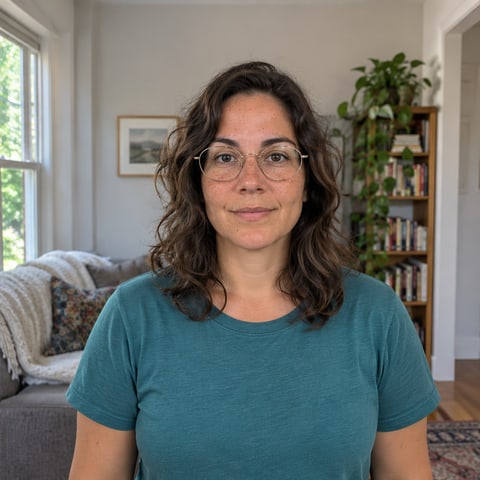
Start with one clear photo you already like. Stand facing a window with the camera at eye level. Leave room around your hair and both shoulders so a square crop will still work.
For AI wardrobe or lighting
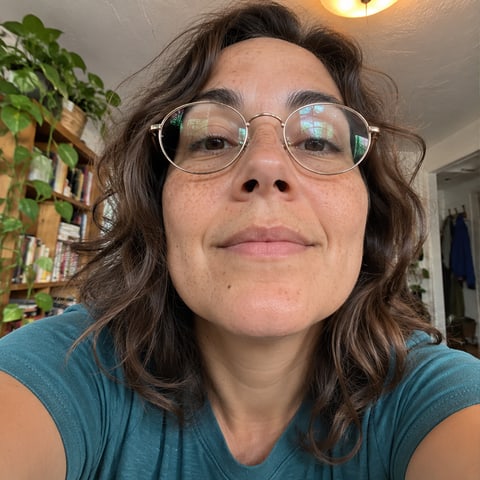
Choose two or three different solo photos of the same adult. Make the clearest one your main photo. Use a closed-mouth photo for a closed-mouth portrait, or a toothy smile for a smiling portrait. The supporting views help check likeness.
Before using the result
Compare the jawline, skin tone, hairline and expression with the main photo. Look again at avatar size. If the AI result changes a feature you want to keep, open the original-photo editor and finish the source photo instead.
AI-illustrated example. Compare how distance, eye level and reflections affect the same face.