 HueDew
Your portrait,in your light.
Finish your own photo for a professional profile, keeping your features, build and expression. Try an AI sitting for a different outfit or studio lighting.
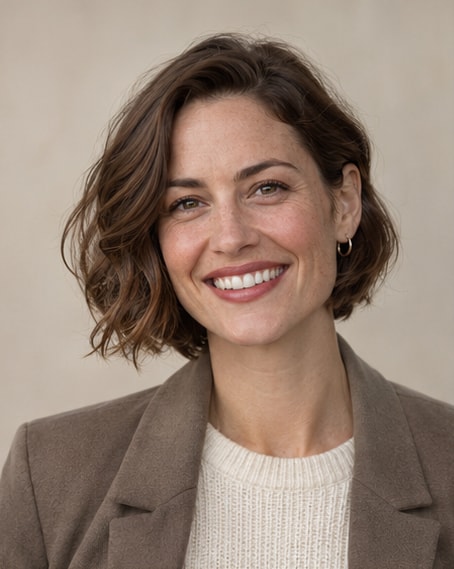 Original
The portrait lookbook
Pick a fictional model to try the edit and compare it with the original.
Your first portrait
Choose a photo
Start with a sample or choose a clear solo photo. Face a window, hold the camera at eye level and leave room around your head and shoulders.
Choose how to edit
Use Finish my photo to crop, tone or change the backdrop on your device. For a different outfit or studio lighting, choose AI. Confirming generation uses one shared studio slot.
Compare and export
Select View original to check your features, hair and shoulders. Download a JPG, or export the ZIP for multiple sizes.
Your studio
Reference photos
Choose a main photo with the expression you want to keep. For a smile with teeth, use a photo showing your own smile. The first photo is your main reference. Tap a thumbnail to change it.
Original-photo finish
Your photo provides the expression and wardrobe. Changing the backdrop downloads a model that finds the subject on this device.
AI shoot direction
Viewfinder
Portrait review
My collection
Portraits you save stay in this browser. Download a copy to keep it elsewhere.